NOMO Pay moves money worldwide.
NOMO Pay is a multi-currency account inside the NOMO wallet: hold multiple currencies, convert between them, and send international transfers over SWIFT, SEPA and local rails.

One app for the whole journey.
From holding and spending to sending across borders, your money works the same everywhere you go.
Hold multiple currencies in one place.
Get local account details in USD, EUR, GBP and more. Receive salary, invoices and transfers like a local, then switch between balances in a tap. Balances and transaction history refresh against the banking partner every 60 seconds, according to the sync interval NOMO Pay runs, so a payment lands in the list without a reload.
- Local account details per currency
- Fund over SWIFT, SEPA & local rails
- Convert between balances in-app
Cards that work everywhere.
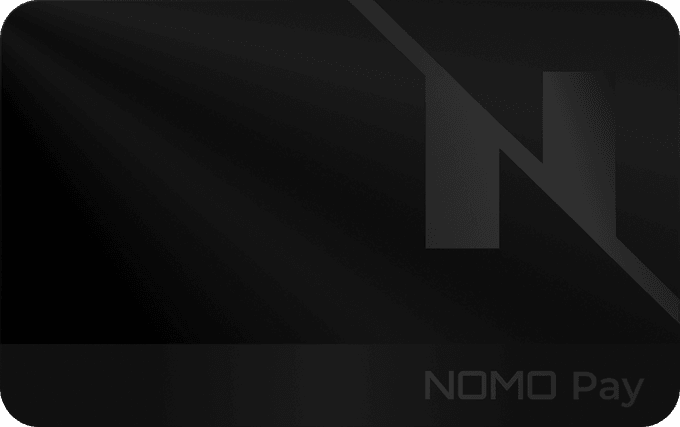
Spend straight from the matching balance, freeze and unfreeze in a tap, and spin up virtual cards instantly. Cards are on the roadmap, not part of the private beta yet.
- Virtual & physical cards
- Spend from the right currency
- Apple Pay & Google Pay
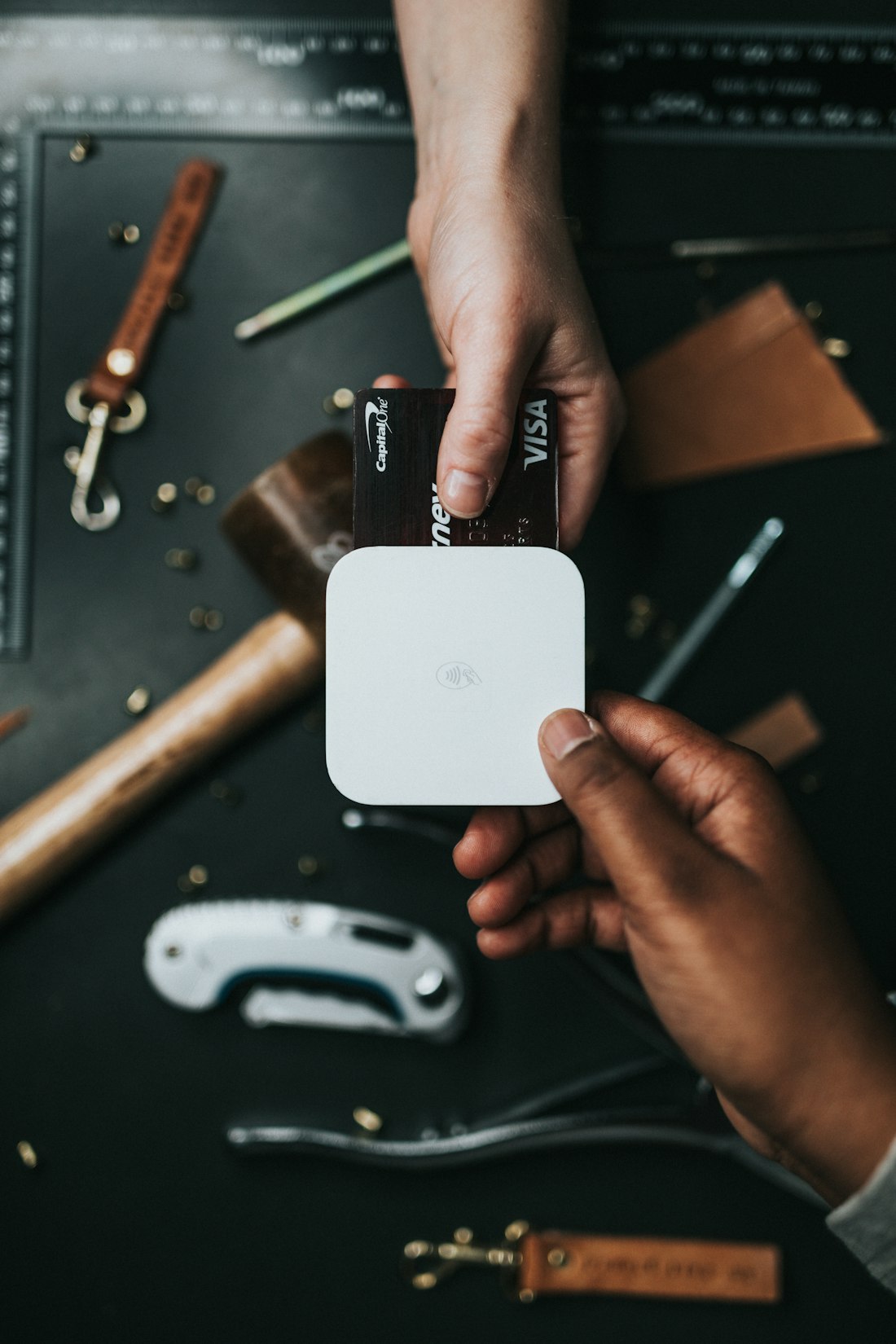
Send across the world.
Instant to anyone on NOMO, and SWIFT, SEPA or local rails to everyone else, with the exchange rate and fee shown before you confirm. SEPA reaches 41 European countries and an instant credit transfer makes funds available within 10 seconds of the payment order, according to the European Central Bank's Single Euro Payments Area overview, recorded at 22 May 2025.
- Instant to other NOMO users
- SWIFT, SEPA & local rails for the rest
- Rate and fee shown up front4
Tap to pay, anywhere in the world.
Add your NOMO card to Apple Pay or Google Pay and tap your phone to pay, spending straight from the matching currency. Cards are on the way; here's what they'll unlock.
- Contactless with Apple Pay & Google Pay
- Spends from the right currency
- Real-time spend notifications
Everything your account can do.
NOMO Pay turns your NOMO wallet into a multi-currency account, powered by a regulated banking partner behind the scenes.
Multi-currency accounts
Hold balances across the currencies in the live catalog, each with its own local account details.
Fund by bank transfer
Top up over SWIFT, SEPA, local and faster-payments rails, using a reference and QR code.
Instant NOMO transfers
Send to any other NOMO user instantly. No beneficiary setup, just their reference.
Global payments
Pay individuals and companies worldwide over SWIFT, SEPA and local rails.
Lock-in currency exchange
Convert between balances at a quoted rate you lock in, then accept before the countdown ends.
Beneficiaries
Save people and companies with their IBAN, SWIFT and account details, and multiple addresses.
Invoices & payment requests
Bill anyone by email and track it from Open to Paid, Expired or Cancelled, with webhook callbacks.
Real-time history
One unified transaction feed across deposits, transfers and exchanges, re-read from the banking partner every 60 seconds according to the sync interval NOMO Pay runs.
SEPA coverage according to the European Central Bank's Single Euro Payments Area overview, recorded at 22 May 2025. Currency availability is set by the banking partner catalogue and changes with it.
Money that moves the world.
Instant to anyone on NOMO, and SWIFT, SEPA or local rails to the rest, across supported countries, restricted regions excluded.1
Bank-grade, by design.
NOMO Pay holds no customer funds: balances sit with a regulated banking partner, and NOMO Pay moves them only on an instruction signed from your wallet. Basic accounts are capped at US$1,000 equivalent per transaction until Zenpass verification is complete, according to the limit schedule the banking partner applies. Read how NOMO Pay handles security.
Regulated banking partner
Your money is held with a licensed banking partner. NOMO Pay only moves it on your instruction and never holds funds itself.
Zenpass identity checks
Full accounts verify with Zenpass, a document and selfie check, before they can transact.
Approve every action
Biometric approval and email verification on sensitive actions. According to the upload limits NOMO Pay enforces, documents are virus-scanned and capped at 5 MB, and balances re-sync against the partner every 60 seconds.
Start with Basic. Go Premium when you're ready.
Open a Basic account in minutes, no membership needed. According to the limit schedule the banking partner applies, a Basic account is capped at US$1,000 equivalent per transaction until identity verification is complete. Become a VISION ONE member for Premium, with an EU based EUR account, your own IBAN and no outgoing limit. Availability depends on your country of residence.1
Open a named account in minutes with a light in-app check, then verify to go uncapped. Limits below are according to the banking partner's schedule.
- Open in minutes, no membership needed
- Singapore based account
- Hold, convert and move currencies
- Send to NOMO users and beneficiaries
- Up to US$1,000 per transaction5

Adds an EU account, for VISION ONE members once you've verified with Zenpass.6
- Everything in the Basic account
- EU based EUR account
- Your own IBAN and BIC
- No outgoing limit5
- Invoices, beneficiaries and full history
- First access to new regions as we launch them1

Unlock the full potential of NOMO Pay with VISION ONE, the cooperative behind Premium accounts.
Add NOMO Pay to your NOMO App.
NOMO Pay is a webOn, a secure web app that runs inside the NOMO App, which is available on iOS and Android. Get the NOMO App, then scan to add the NOMO Pay webOn. There is no separate download and no NOMO Pay password: signing in scans a QR code that the wallet signs with the key on your device.